
动态插件
让 Crux 为 Home 和 Sidebar 增加常用信息与操作。
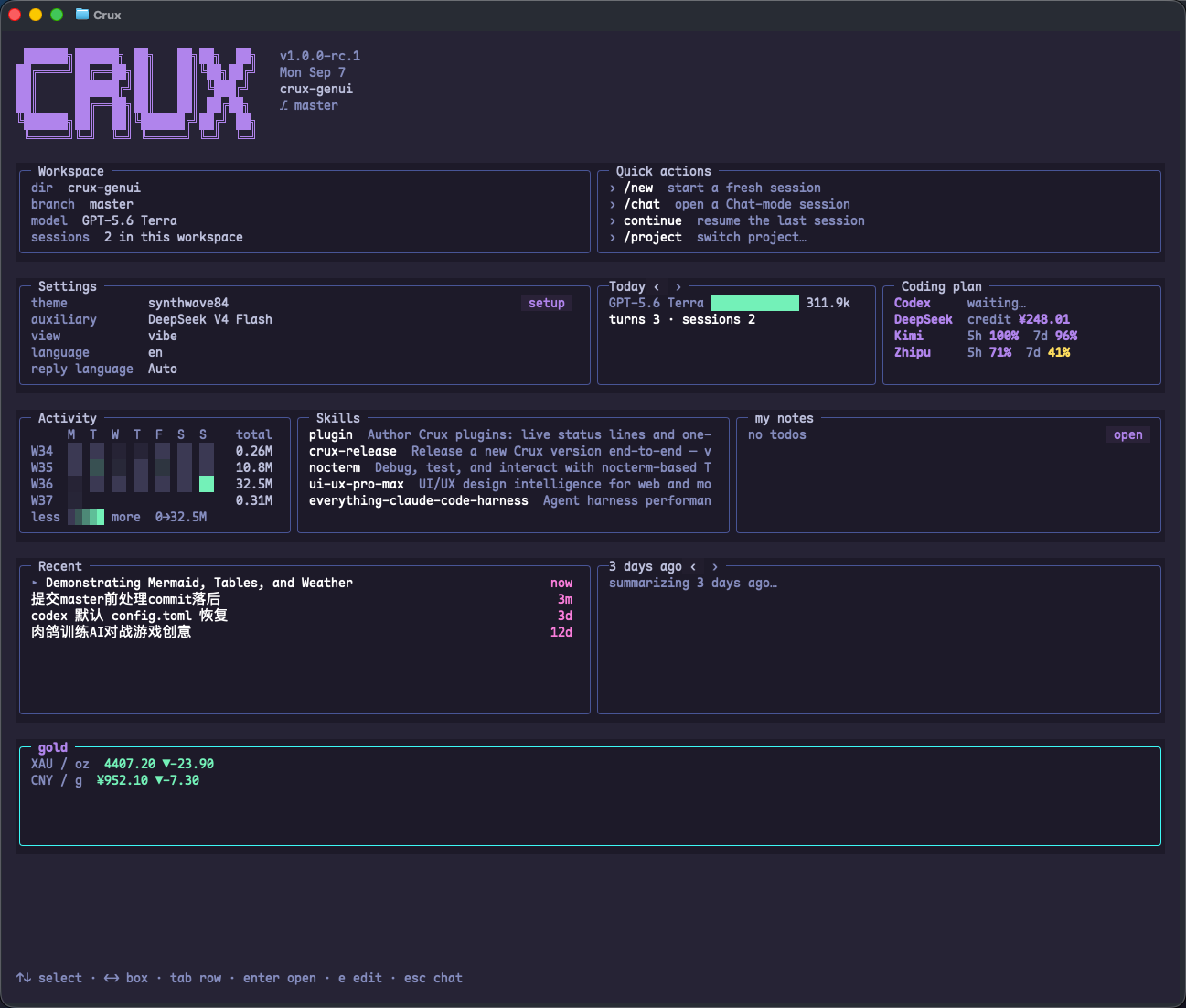
让 Crux 创建插件
直接描述你想看到的信息、数据来源和操作。例如:
帮我创建一个项目测试状态插件。
同时显示在 Home 和 Sidebar,读取 .crux/test-status.json。
提供一个按钮,让你解释最近一次失败的测试。
不要修改项目的测试代码。
插件放在哪里
- 项目级:<project>/.crux/plugins/*.toml。
- 全局:~/.crux/plugins/*.toml。
- 项目配置优先于同 id 的全局配置。
- 保存后通常在下一次扫描(约 2 秒)被发现,无需重启。
- placement 可设为 sidebar、home 或 both。
一个完整的最小示例
在项目根目录创建 .crux/plugins/test-status.toml。id 与文件名保持一致。这里使用 prompt 操作,不会自动运行项目命令。
id = "test-status"
placement = "both"
title = "Tests"
label = "{summary}"
refresh_ms = 2000

[status]
path = ".crux/test-status.json"
fallback_alive_text = "ready"
fallback_absent_text = "waiting for test results"

[[actions]]
label = "Explain failures"
kind = "prompt"
prompt = "Read .crux/test-status.json and explain any failing tests. Do not edit files."
style = "button"
提供状态数据
在 .crux/test-status.json 中写入示例数据。插件读取文件后显示 summary。接入真实测试时,让测试脚本更新这个文件;下面的数字只是演示数据。
{
  "summary": "24 passed · 1 failed",
  "failed": ["session restore preserves title"]
}
操作与后台进程
插件支持 prompt、shell、http、launch、screen 等操作。需要持续产生数据的插件可以配置 producer,由 cruxd 管理后台进程。使用外部数据源时仍需要该来源的连接与凭据。
- 状态路径相对于项目根目录解析,全局插件也遵循这一规则。
- shell 操作会执行命令,添加前检查具体内容。
- 插件未出现时检查 TOML、id、placement、文件位置和 Crux 的提示。
适用于 1.0.0 RC1。示例数字为演示数据。反馈问题 ↗