
Dynamic plugins
Add useful information and actions to Home and Sidebar.
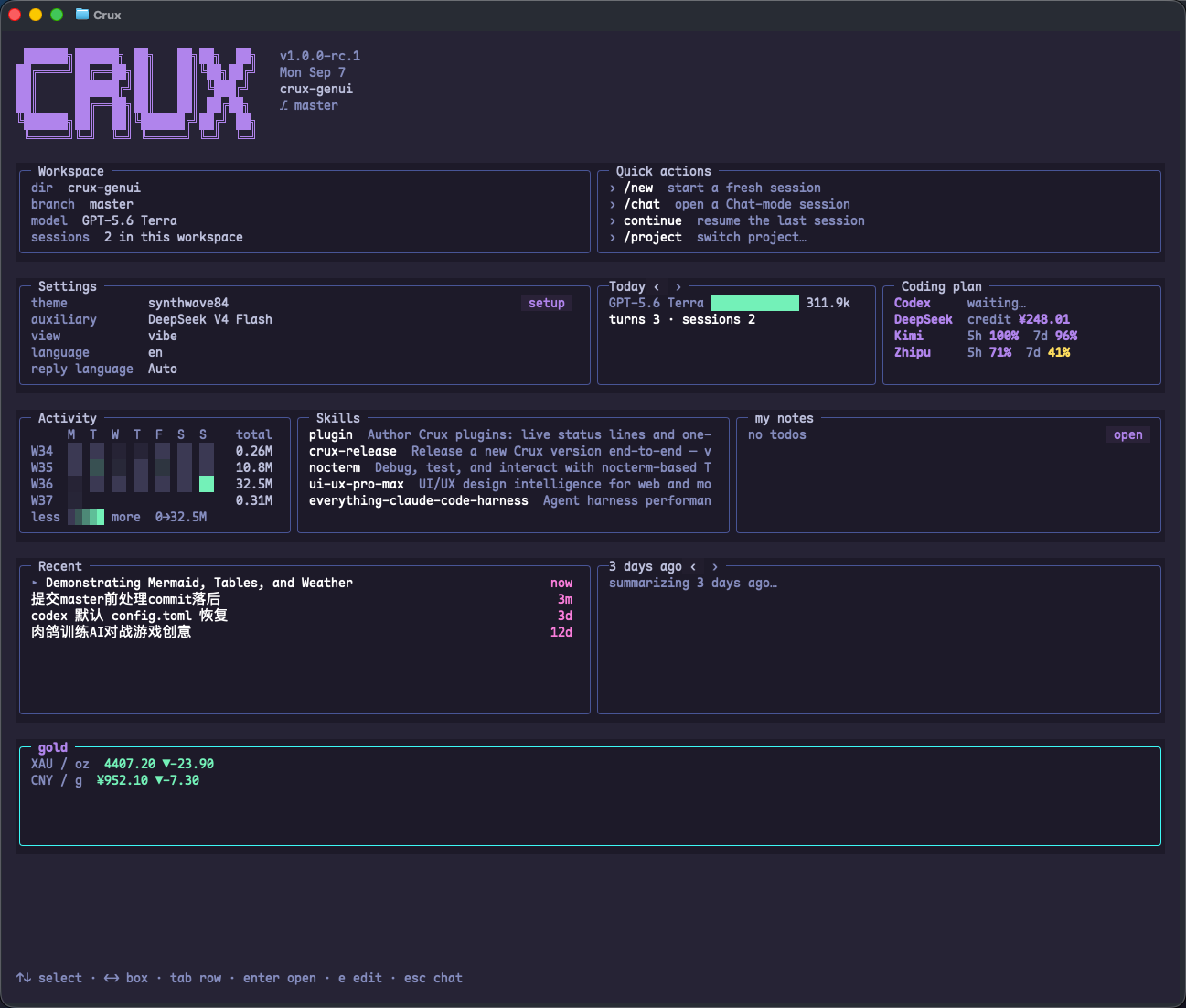
Ask Crux to build a plugin
Describe the information, its source, and the action you want. For example:
Create a project test-status plugin.
Show it on Home and Sidebar, reading .crux/test-status.json.
Add a button that asks you to explain the latest failing tests.
Do not change the project's tests.
Where plugins live
- Project: <project>/.crux/plugins/*.toml.
- Global: ~/.crux/plugins/*.toml.
- Project definitions take precedence over global definitions with the same id.
- Saved plugins are normally discovered on the next scan, around 2 seconds later; no restart is needed.
- Set placement to sidebar, home, or both.
A complete minimal example
Create .crux/plugins/test-status.toml in the project. Match the id to the filename. This example uses a prompt action and does not automatically execute project commands.
id = "test-status"
placement = "both"
title = "Tests"
label = "{summary}"
refresh_ms = 2000

[status]
path = ".crux/test-status.json"
fallback_alive_text = "ready"
fallback_absent_text = "waiting for test results"

[[actions]]
label = "Explain failures"
kind = "prompt"
prompt = "Read .crux/test-status.json and explain any failing tests. Do not edit files."
style = "button"
Supply status data
Write this sample to .crux/test-status.json. The plugin displays summary after reading the file. For real usage, have your test script update the file. These counts are demonstration data.
{
  "summary": "24 passed · 1 failed",
  "failed": ["session restore preserves title"]
}
Actions and background producers
Plugins support prompt, shell, http, launch, and screen actions. A producer can supply ongoing data, with its background process managed by cruxd. External data sources still require their own connections and credentials.
- Status paths are relative to the project root, including for global plugins.
- A shell action executes a command; review it before adding it.
- If a plugin is missing, check TOML syntax, id, placement, file location, and Crux's messages.
For 1.0.0 RC1. Sample numbers are demonstration data.Report an issue ↗