
Mermaid diagrams
Read flows, architecture, and state changes inside the terminal conversation.
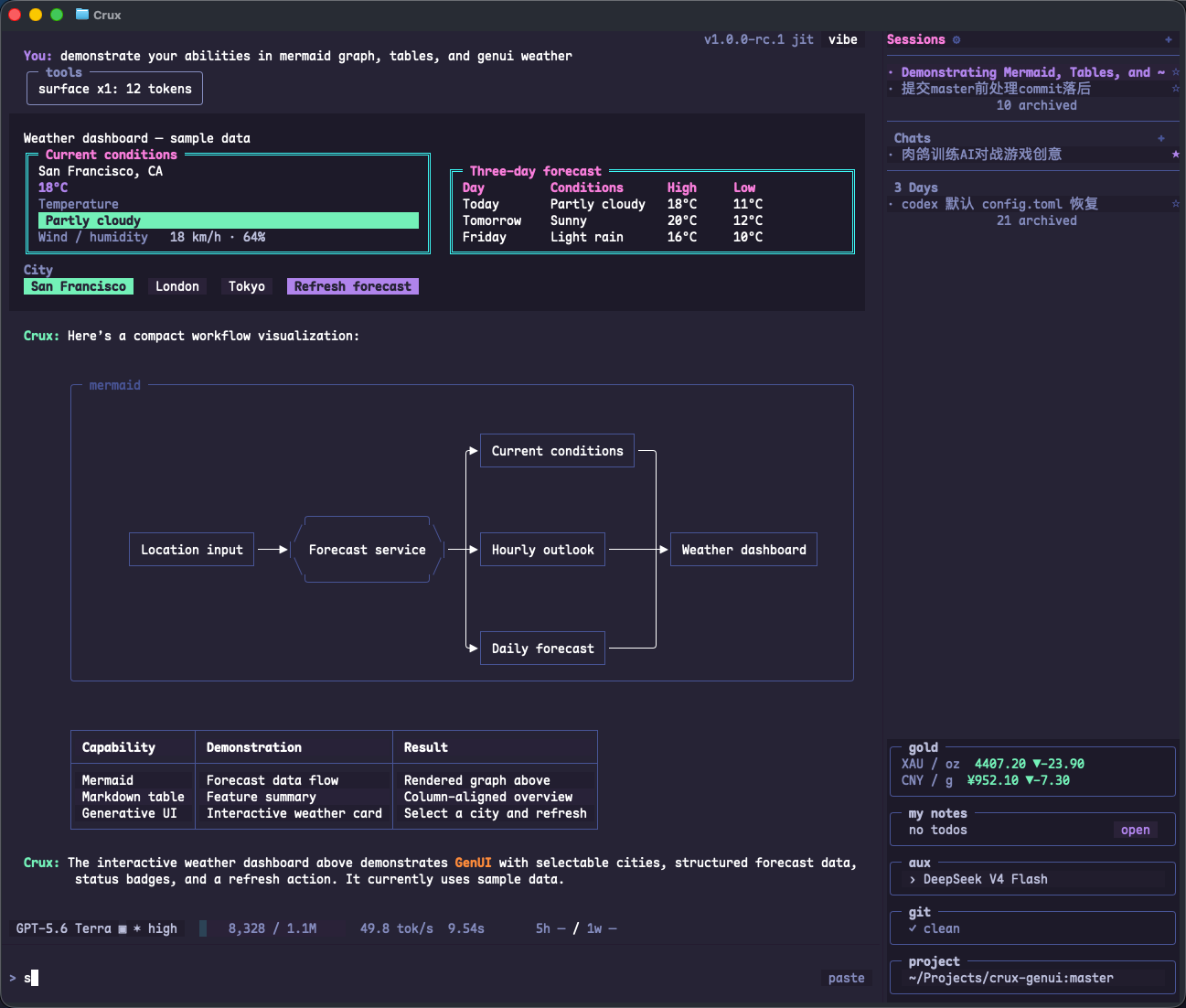
Ask the agent to draw it
Ask for a mermaid fenced code block. Crux renders supported syntax as a terminal diagram that stays in the conversation.
Draw a Mermaid coding workflow: planning, parallel context gathering, tools, checks, and review.
Include pass and fail branches, and put the context nodes in a subgraph.
A flowchart example
Ask the agent to output this source in a mermaid fenced code block.
flowchart LR
  A[Request] --> B[Plan]
  subgraph context [Context]
    C[Semble]
    D[Files]
    E[Cache]
  end
  B --> C
  B --> D
  B --> E
  C --> F[Tool batch]
  D --> F
  E --> F
  F --> G[Edit]
  F --> H[Shell]
  G --> I{Checks}
  H --> I
  I --> J[Review]
  I --> K[Diagnose]
  J --> L[Commit]
Supported syntax
The RC1 terminal parser supports Mermaid flowchart / graph and stateDiagram state diagrams, with a separate D2 path. It is not the full browser Mermaid renderer. Unsupported or unparseable syntax falls back to code text.
Larger diagrams
Drag to pan a diagram that exceeds its viewport. The wheel continues to scroll the conversation. In height-constrained layouts, dragging can reveal vertically clipped content too. Short labels and clear structure make diagrams easier to read.
For 1.0.0 RC1. Sample numbers are demonstration data.Report an issue ↗